Case study
Houdini Solaris

Overview:
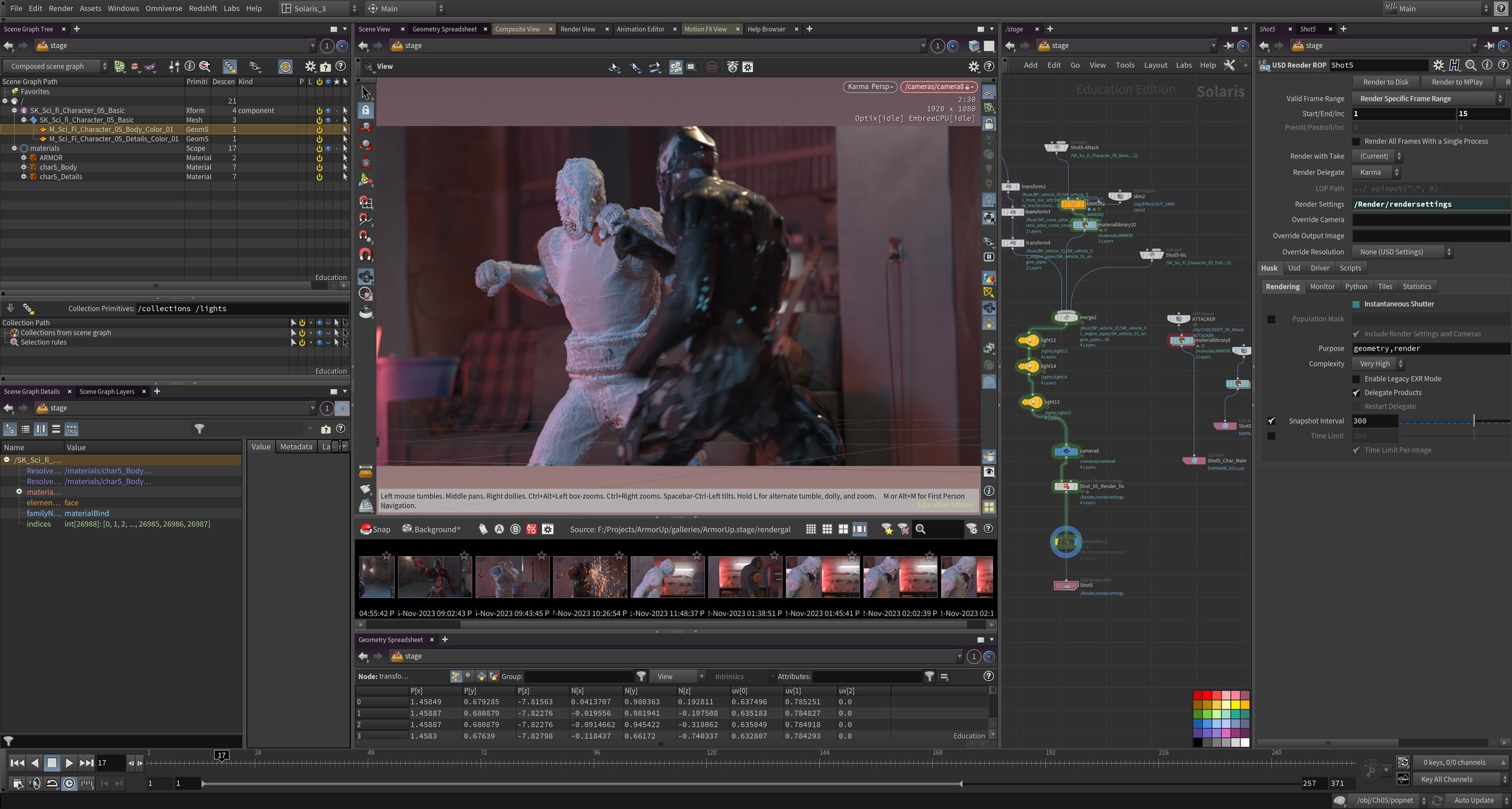
A few years ago, SideFX added a new context to Houdini named Solaris, which covers several areas of CG, including:
- layout tools
- lighting tools
- a new renderer called Karma
- it exclusively uses USD as it’s geometry format.
While I had played around with it before, I wanted to give it a real try. I had just made some training for it, but I wanted to really dig in and try to produce a small scene.
Assets:
The scene uses a former ‘free for the month’ asset of a safe house.
The characters are from one of my favourite sellers on the Unreal marketplace, Bugrimov Maksim.
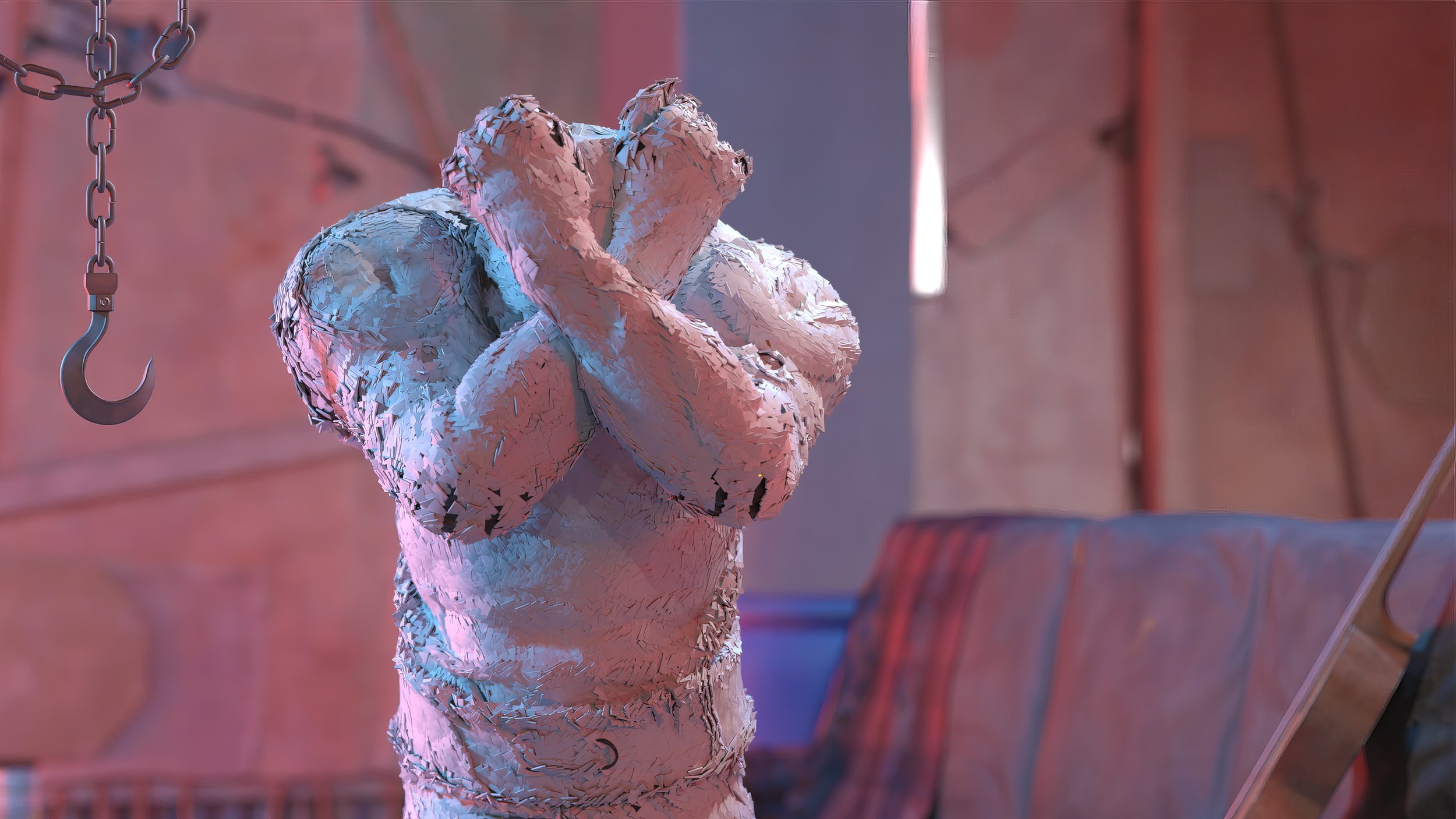
The armor effect was adapted from a tutorial by Entagma.
The soundfx are sourced from a free repository by Sonniss.
The music is from this pack from Flame Sound.
The mocap for the final shot is from ActorCore’s hand-to-hand combat pack.
I used Omniverse to export the Unreal scene as a USD file, complete with all the materials.
Pros:
Amazing lighting tools
The Camera-based lighting workflow is very cool. You can point and click on an object and the light will be aimed at your selection. Hotkeys allow for easy adjustment of light intensity and position. It’s very cool to be able to stay in the shot camera and set up the majority of your lights.
Sequenced based lighting
Since the lighting setup is all nodes, it’s very easy to branch sections off to deal with specific shots. I had my set at the top of the node graph, and then per shot I would have my characters and shot-specific lights branched off. This made it very easy to go from shot to shot, or to copy and paste setups from one shot to another. Everything was in one Houdini project file, so I didn’t have to open and close each shot one by one.
Karma XPU
I love that it tries to use 100% of my computer’s resources (CPU and GPU) to render. The only drag is waiting for the scene to be loaded to the graphics card to really get going. Karma CPU has almost instant time-to-first-pixel, which is amazing.
Cons:
USD
Now, I know that for studios this is not a negative, if anything it’s a huge positive. For me personally though, for a one man project with no pipeline support, USD is just a lot to wrap your head around. I understand the basics, but I had a few odd things (the armor was instancing thousands of cubes for that effect, but for the life of me I couldn’t get it to have the same motion blur as the guy inside of it).
I understand why it’s there, and SideFX has put out a lot of really good USD training, it’s just a lot and I think it will take some time before I can use it to it’s full potential.
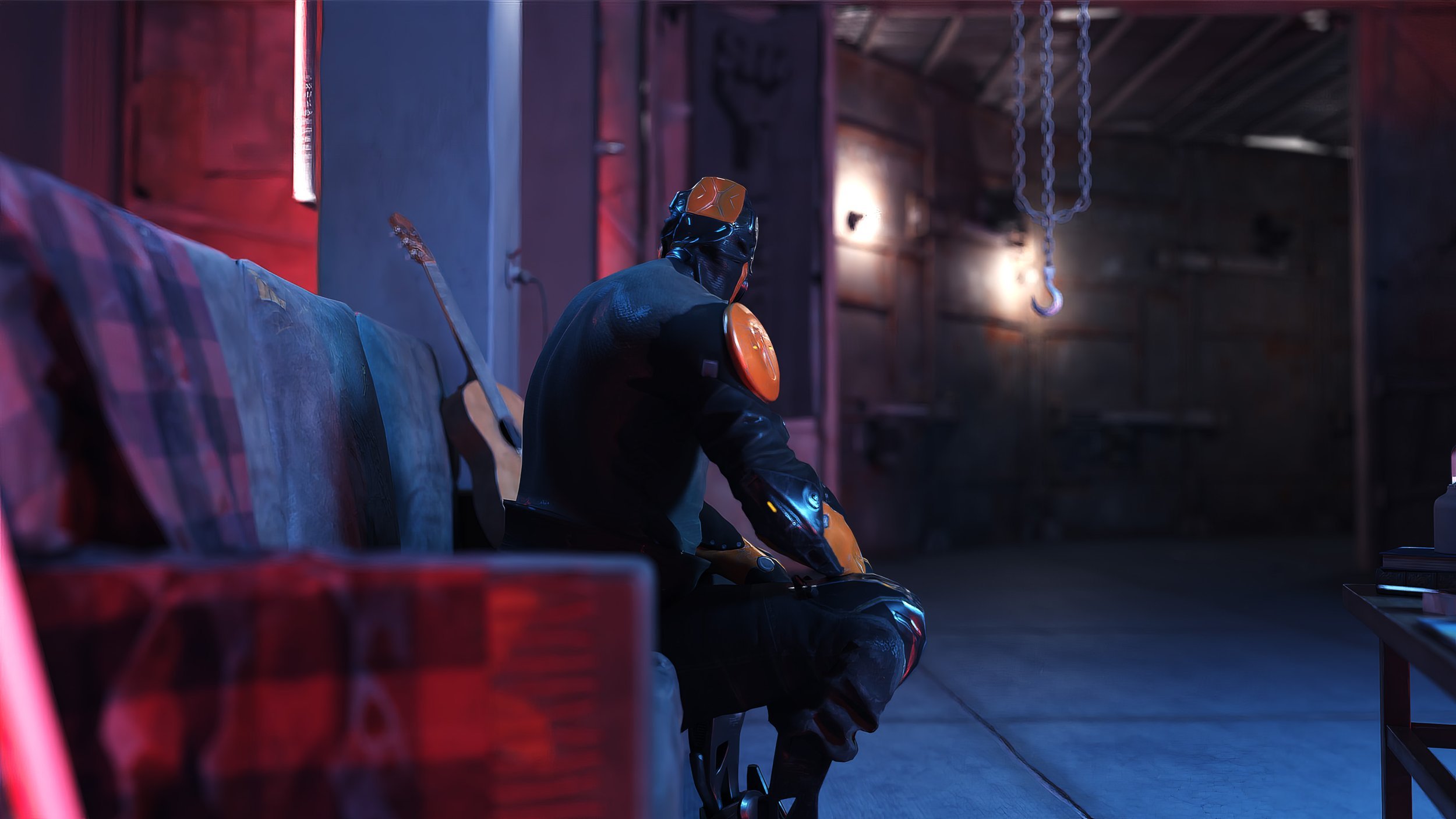
My dream setup would be to have a live link where I could place the lights in Solaris, but have them update in Unreal so I could play back the shots in real-time to check the edit and the pacing of things. Then either render in Unreal for a very nice preview render or do a full pathtraced render with Karma.
All and all I was happy with how it turned out. It spend about a week on it.